
Complete A - Z WordPress Mastery Course

Live Training in Hindi ( 40-Day Practical Course )

WordPress Advance Mastery Course

Learn WordPress Step-By-Step

Course Language
Hindi - à€čà€żà€‚à€Šà„€

Course Validity
- Lifetime

Course Language
Hindi - à€čà€żà€‚à€Šà„€

Course Validity
- Lifetime

16 Modules With
Live Project

support

Support On Call
& Email

16 Modules With Live Project

support

Support On Call
& Email

ENROLL NOW FOR â‚č4,999/-

One - Time Fees!

A Proven 3-Step Method to Build & Grow Your
Business Website on WordPress

Step #1

LEARN

WordPress: Tools, Techniques, Tips, Plugins, Themes, SEO, Security, Monetization, Growth, Success

Step #2

IMPLEMENT

Apply, Practice, Execute, Implement, Experiment, Master, Adapt, Learn, Improve, Grow

Step #3

EARN

Build funnel, set systems, automate, optimize, launch, grow, scale, succeed, repeat.

Step #1

LEARN

WordPress Tools, Techniques & Growth Strategies

Step #2

IMPLEMENT

Practically Implement All Concepts Learnt

Step #3

EARN

Create Funnel And Set-up Systems To Start Growing

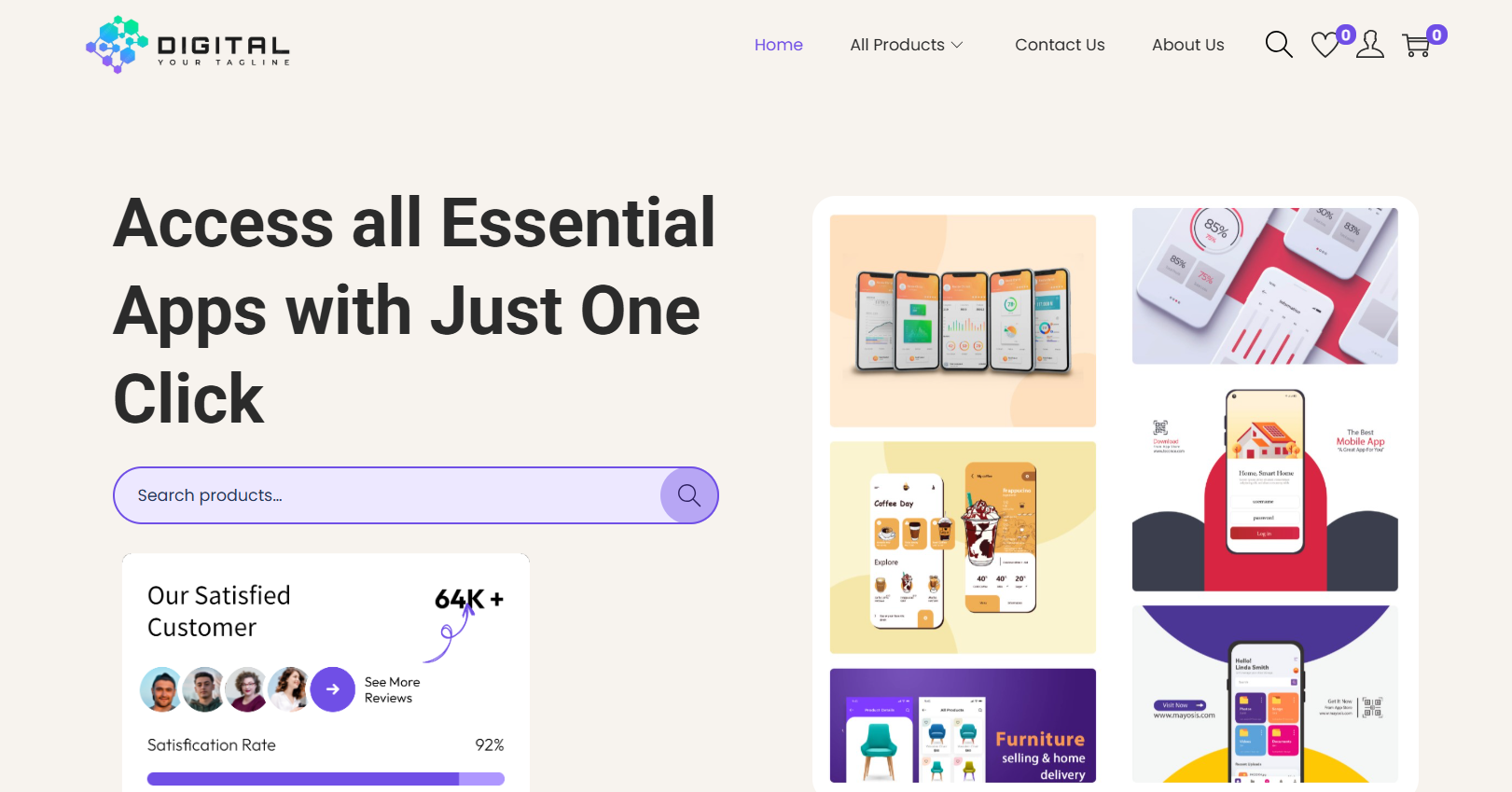
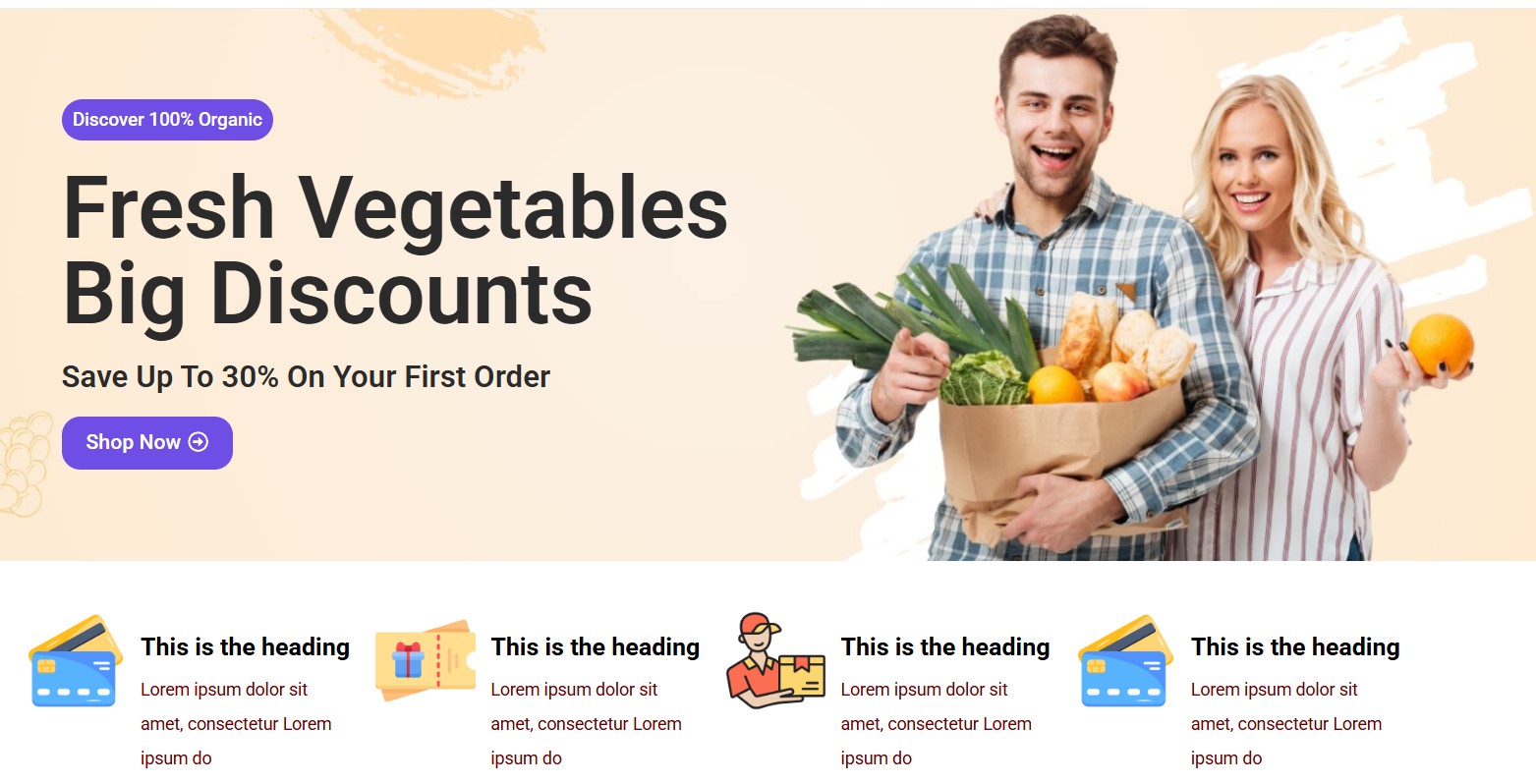
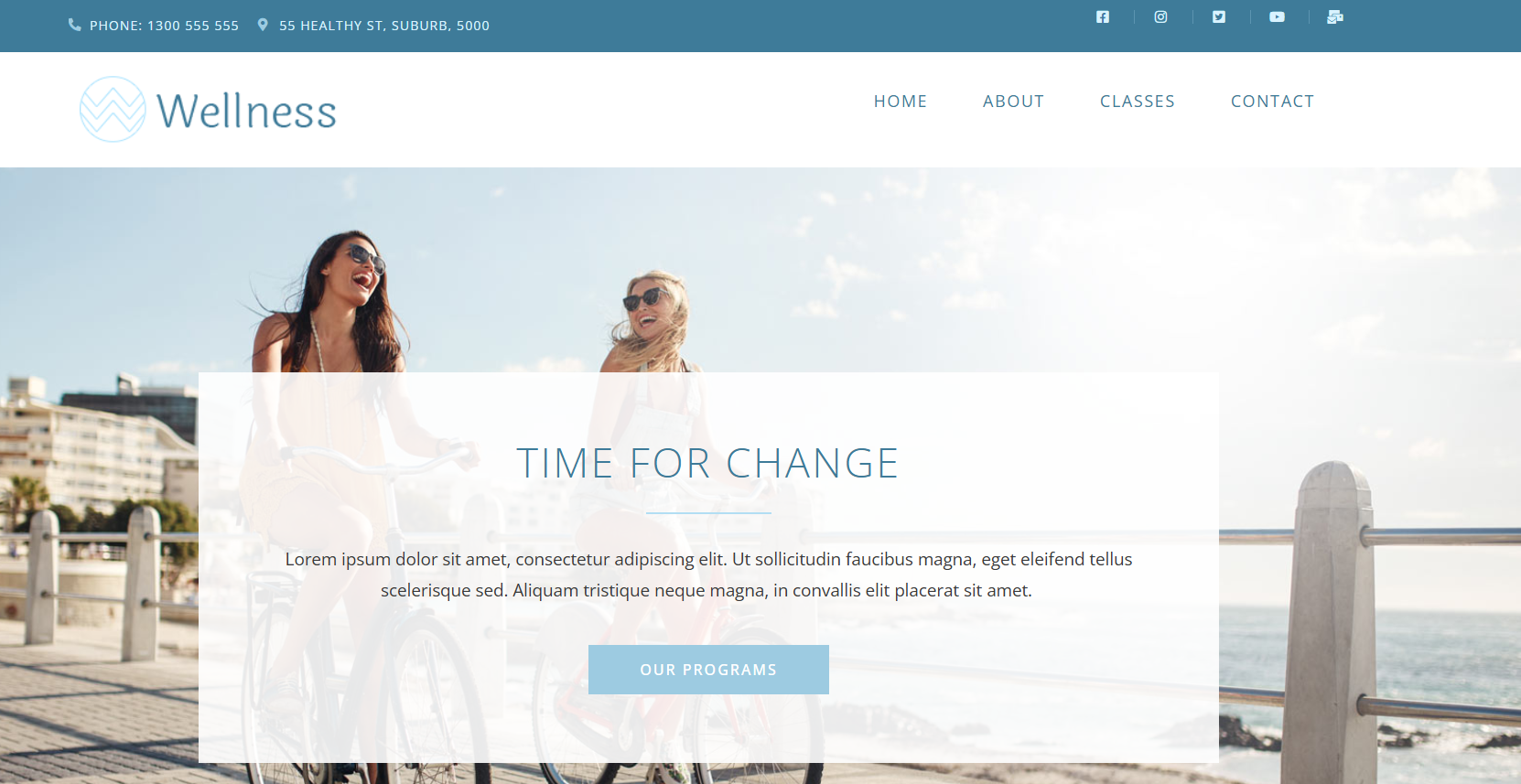
My Website Portfolio — Quality That Speaks For Itself

Digital Product Website

Grocery Store Website

Health & Wellness Website

Digital Product Website

Grocery Store Website

Health & Wellness Website

What will you learn in this
Mastery Course

What will you learn in this Mastery Course

Who is this for

This course is NOT for those

Who is this for

This course is NOT for those

Essential Things You Need
to Build a Website

Essential Things You Need to Build a Website

Domain

A domain is your website’s unique identity on the internet. It’s the name people type in the browser to visit your website, like www.example.com.

Hosting

Hosting stores your website’s data and makes it accessible online, ensuring fast loading speed, strong security, and 24/7 availability for visitors.
Domain

A domain is your website’s unique identity on the internet. It’s the name people type in the browser to visit your website, like www.example.com.

Hosting

Hosting stores your website’s data and makes it accessible online, ensuring fast loading speed, strong security, and 24/7 availability for visitors.

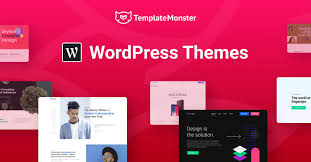
Theme

A theme controls your website’s design, layout, and style. It decides how your website looks on desktops and mobiles, making attractive & user-friendly.

Theme

A theme controls your website’s design, layout, and style. It decides how your website looks on desktops and mobiles,
Plugin

A plugin adds features to your website, improving SEO, speed, security, and making your site more functional and efficient.
Top Ways to Earn from WordPress

1. Freelance Website Development

Professional freelance web developer delivering creative, responsive, and SEO-friendly websites for businesses.

2. E-Commerce Store Creation

Create Shopify-like stores using WooCommerce and sell store-building services to local and global businesses.
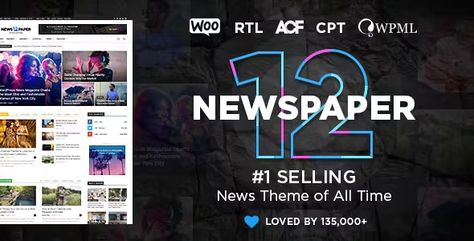
3. Create & Sell WordPress Themes/Plugins

If you learn development, you can build themes or plugins and sell them on marketplaces like ThemeForest or CodeCanyon.
4. Provide Website Maintenance Services

Offer monthly plans to clients for updates, backups, security checks, and site management.
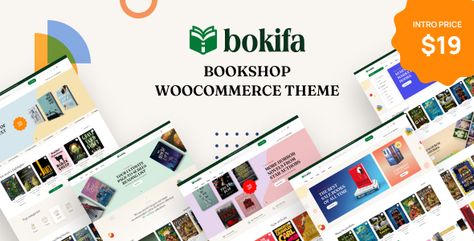
5. Sell Digital Products Through WordPress

Build a digital store and sell website templates, social media kits, or digital planners.

6. Start a Blogging Website

Write valuable content (health, finance, travel, technology), rank it on Google, and earn from AdSense & sponsored posts.
7. Theme Customization Services

Many clients want help setting up and customizing themes — charge for setup, design tweaks, and optimization.
8. Affiliate Marketing Using WordPress

Start niche blogs and earn by recommending affiliate products from Amazon, ShareASale, or web hosting providers.

9. YouTube Channel / Courses Around WordPress

Teach others what you know — build an audience and sell courses, or earn from ads and sponsorships.

10. Local Business Services

Approach local shops, doctors, and small businesses to take them online with their own website (easy to charge â‚č10,000 - â‚č30,000 per project).

1. Freelance Website Development

Professional freelance web developer delivering creative, responsive, and SEO-friendly websites for businesses.

3. E-Commerce Store Creation

Create Shopify-like stores using WooCommerce and sell store-building services to local and global businesses.

5. Create & Sell WordPress Themes/Plugins

If you learn development, you can build themes or plugins and sell them on marketplaces like ThemeForest or CodeCanyon.

7. Provide Website Maintenance Services

Offer monthly plans to clients for updates, backups, security checks, and site management.

9. Sell Digital Products (E-books, Templates) Through WordPress

Build a digital store and sell website templates, social media kits, or digital planners.

2. Start a Blogging Website

Write valuable content (health, finance, travel, technology), rank it on Google, and earn from AdSense & sponsored posts.

4. Theme Customization Services

Many clients want help setting up and customizing themes — charge for setup, design tweaks, and optimization.

6. Affiliate Marketing Using WordPress

Start niche blogs and earn by recommending affiliate products from Amazon, ShareASale, or web hosting providers.

8. YouTube Channel / Courses Around WordPress

Teach others what you know — build an audience and sell courses, or earn from ads and sponsorships.

10. Local Business Services

Approach local shops, doctors, and small businesses to take them online with their own website (easy to charge â‚č10,000 - â‚č30,000 per project).

1. Freelance Website Development

Professional freelance web developer delivering creative, responsive websites.

3. E-Commerce Store Creation

Create Shopify-like stores using WooCommerce and sell store-building services to local and global businesses.

5. Create & Sell WordPress Themes/Plugins

If you learn development, you can build themes or plugins and sell them on marketplaces like ThemeForest or CodeCanyon.

7. Affiliate WordPress Guide

Start niche blogs and earn by recommending affiliate products from Amazon, ShareASale, or web hosting providers.

9. Provide Website Maintenance Services

Offer monthly plans to clients for updates, backups, security checks, and site management.

2. Sell E-books, Templates WordPress

Build a digital store and sell website templates, social media kits, or digital planners.

4. Theme Customization Services

Many clients want help setting up and customizing themes — charge for setup, design tweaks, and optimization.

6. YouTube Channel / Courses Around WordPress

Teach others what you know — build an audience and sell courses, or earn from ads and sponsorships.

8. Start a Blogging Website

Write valuable content (health, finance, travel, technology), rank it on Google, and earn from AdSense & sponsored posts.

10. Local Business Website Development Services

Approach local shops, doctors, and small businesses to take them online.

🎁 Enroll Today & Get â‚č40,000+ Bonuses Absolutely FREE!"

Bonus #1

Domain & Hosting

🎁Get Domain + Hosting (Worth â‚č4,000) Free With This Course!

Bonus #2

Elementor Pro

🎁 Get Elementor Pro (Worth â‚č6000) Free With This Course!

Bonus #3

Canva Pro

🎁 Get Canva Pro (Worth â‚č4000) Free With This Course!

Bonus #1

Domain & Hosting

🎁Get Domain + Hosting (Worth â‚č4,000) Free With This Course!

Bonus #2

Elementor Pro

🎁 Get Elementor Pro (Worth â‚č6000) Free With This Course!

Bonus #3

Canva Pro

🎁 Get Canva Pro (Worth â‚č4000) Free With This Course!

Bonus #4

WordPress Theme

🎁 Get 25+ Premium WordPress Themes (Worth â‚č15,000) Free With This Course!

Bonus #5

WordPress Plugins

🎁 Get 50+ Premium WordPress Plugins (Worth â‚č25,000) Free With This Course!

Bonus #6

E Book

🎁 Get Exclusive E-books (Worth â‚č5,000} Free With This Course!

Bonus #4

WordPress Theme

🎁 Get 25+ Premium WordPress Themes (Worth â‚č15,000) Free With This Course!

Bonus #5

WordPress Plugins

🎁 Get 50+ Premium WordPress Plugins (Worth â‚č25,000) Free With This Course!

Bonus #6

E Book

🎁 Get Exclusive E-books (Worth â‚č5,000} Free With This Course!

Have a Look What People Speak About Us

Have a Look What People
Speak About Us

"I never thought learning WordPress could be this simple. The step-by-step lessons and clear explanations made it super easy for me to build my own website."

— Priya Mehra Housewife

"The best part of this course is the practical approach. Everything is taught live with real examples. It’s helped me build real projects confidently."

— Suman Patel Student

"I had zero knowledge about WordPress, but after joining this course, I can now design websites for clients. Highly recommend it to all beginners!"

— Rahul Joshi Student

"Most courses are too expensive, but this one offers great quality at a budget-friendly price. If you’re serious about learning WordPress, go for it!"

— Vikas Gupta Student

Still Confused? Check Out These FAQs!

Still Confused? Check Out
These FAQs!

Is this course suitable for beginners?

Yes ! This WordPress course is designed for complete beginners. Even if you have no technical knowledge, you can easily learn step by step.

Will I get lifetime access to the course?

Yes, once you enroll, you get lifetime access to all videos and future updates.

Is there any practical project included?

 Absolutely! The course includes live practical projects so you can build real websites with hands-on experience.

Do I need coding knowledge to learn WordPress?

No coding knowledge is required. Everything is taught in a simple and non-technical way.

Will I get help if I get stuck anywhere?

 Of course! You’ll get support through our private community/group or direct Call.

Can I pay the course fee in EMI (Installments)?

Yes, we offer easy EMI options so you can pay the course fee in small installments and start learning without any financial burden.

Is this course updated with the latest version of WordPress?

Yes, the course is updated regularly with the latest WordPress features and trends.

Is this course suitable for beginners?

Yes ! This WordPress course is designed for complete beginners. Even if you have no technical knowledge, you can easily learn step by step.

Will I get lifetime access to the course?

Yes, once you enroll, you get lifetime access to all videos and future updates.

Is there any practical project included?

 Absolutely! The course includes live practical projects so you can build real websites with hands-on experience.

Do I need coding knowledge to learn WordPress?

No coding knowledge is required. Everything is taught in a simple and non-technical way.

Will I get help if I get stuck anywhere?

 Of course! You’ll get support through our private community/group or direct Call.

Can I pay the course fee in EMI (Installments)?

Yes, we offer easy EMI options so you can pay the course fee in small installments and start learning without any financial burden.

Is this course updated with the latest version of WordPress?

Yes, the course is updated regularly with the latest WordPress features and trends.

Scroll to Top